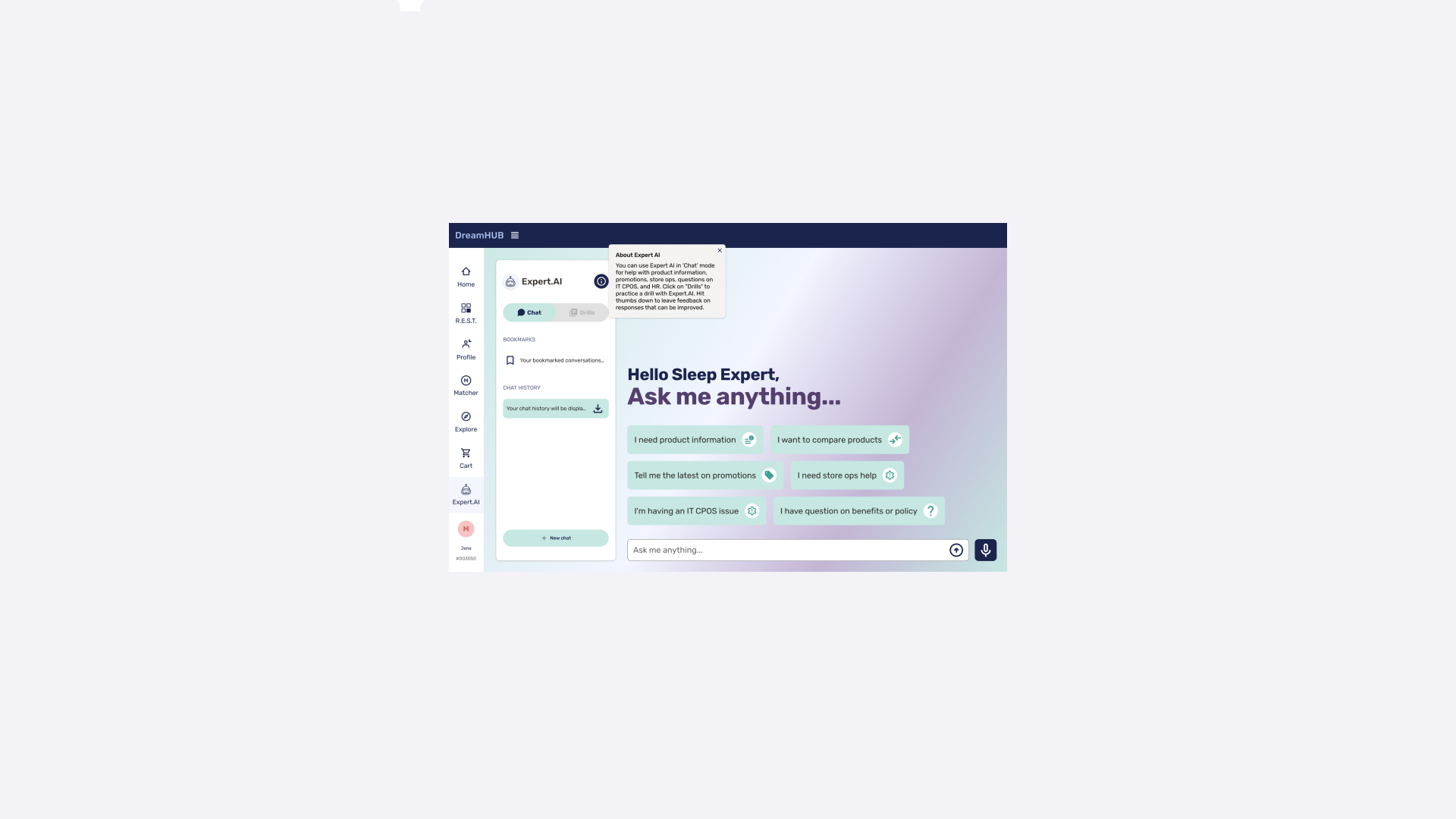
🛌 Designing an intuitive, GenAI-powered chatbot that simplifies store associates’ day-to-day
Timeline —
4 months
My role —
Senior Product Designer @ Bain
For —
Mattress Firm
OVERVIEW
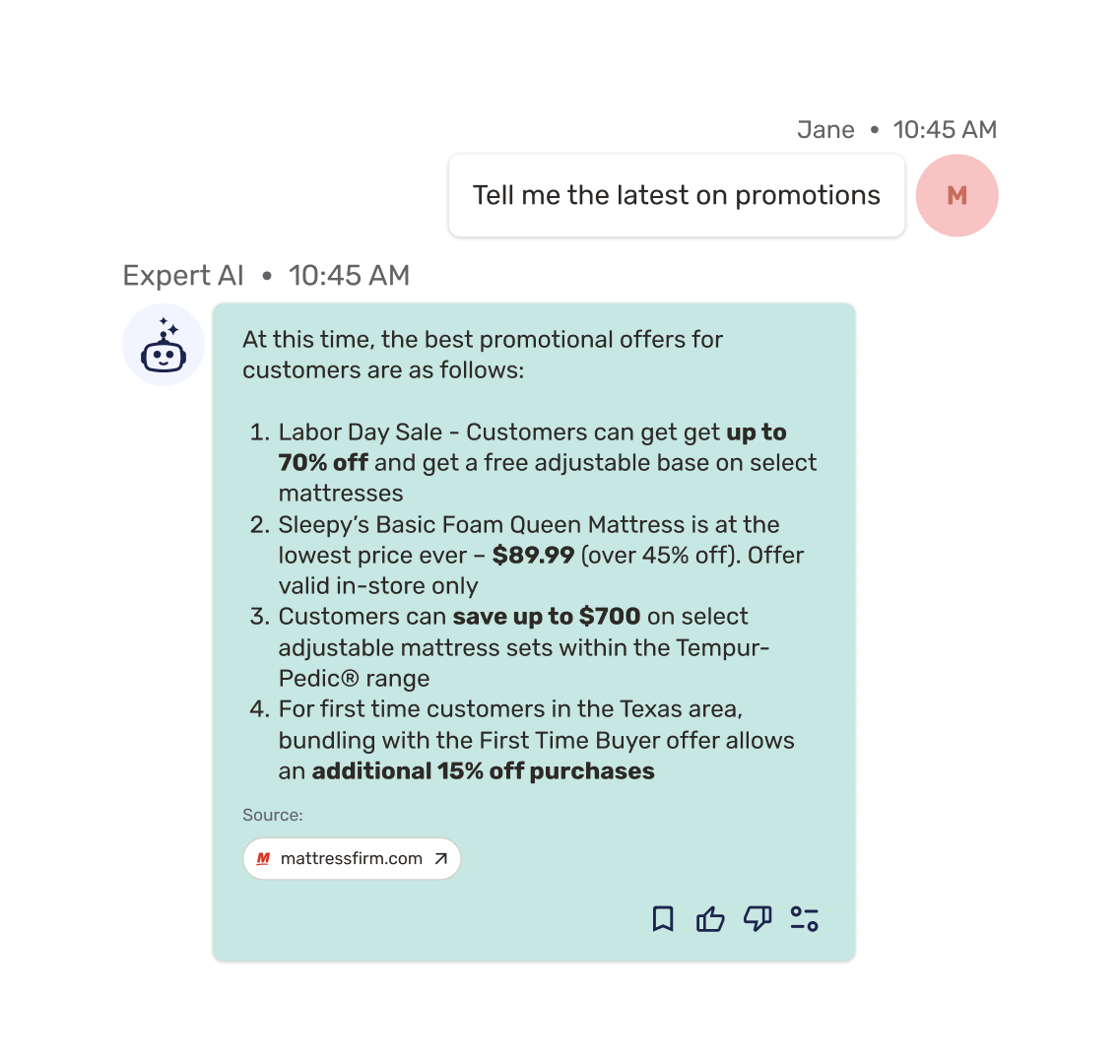
Mattress Firm aimed to centralize their extensive information ecosystem, where critical product details, promotions, and procedures were scattered across multiple systems, slowing down sales conversations. The solution was to design an intuitive, engaging, and adaptive Gen-AI–enabled chat solution that supports downtime learning, in-store selling, and store preparation and problem-solving tasks.
MY ROLE
I led the design work stream which meant making strategic design decisions that aligned with business objectives, aligning with developers and the PM on designs, and spearheading testing efforts.
🚀 Impact & results
Expert.AI is currently rolled out to over 6,000 employees across 2,300 US stores Mattress Firm stores across the country, enhancing efficiency and increasing engagement of learning materials by 50%.
26k
Total interactions by users in the first week, validating strong early adoption
65
NPS score, validating that store associates found the GenAI chatbot helpful and easy to use
Words from the Chief Digital Officer at Mattress Firm:
“Our Store Associates are at the heart of what makes Mattress Firm unique, and empowering them with a custom, real-time, AI-driven tool is a game changer. This innovation is helping our teams work smarter, respond faster, and ultimately deliver an even better experience to our customers. With this technology, we’re not just enhancing efficiency—we’re investing in the success and satisfaction of our people. ”
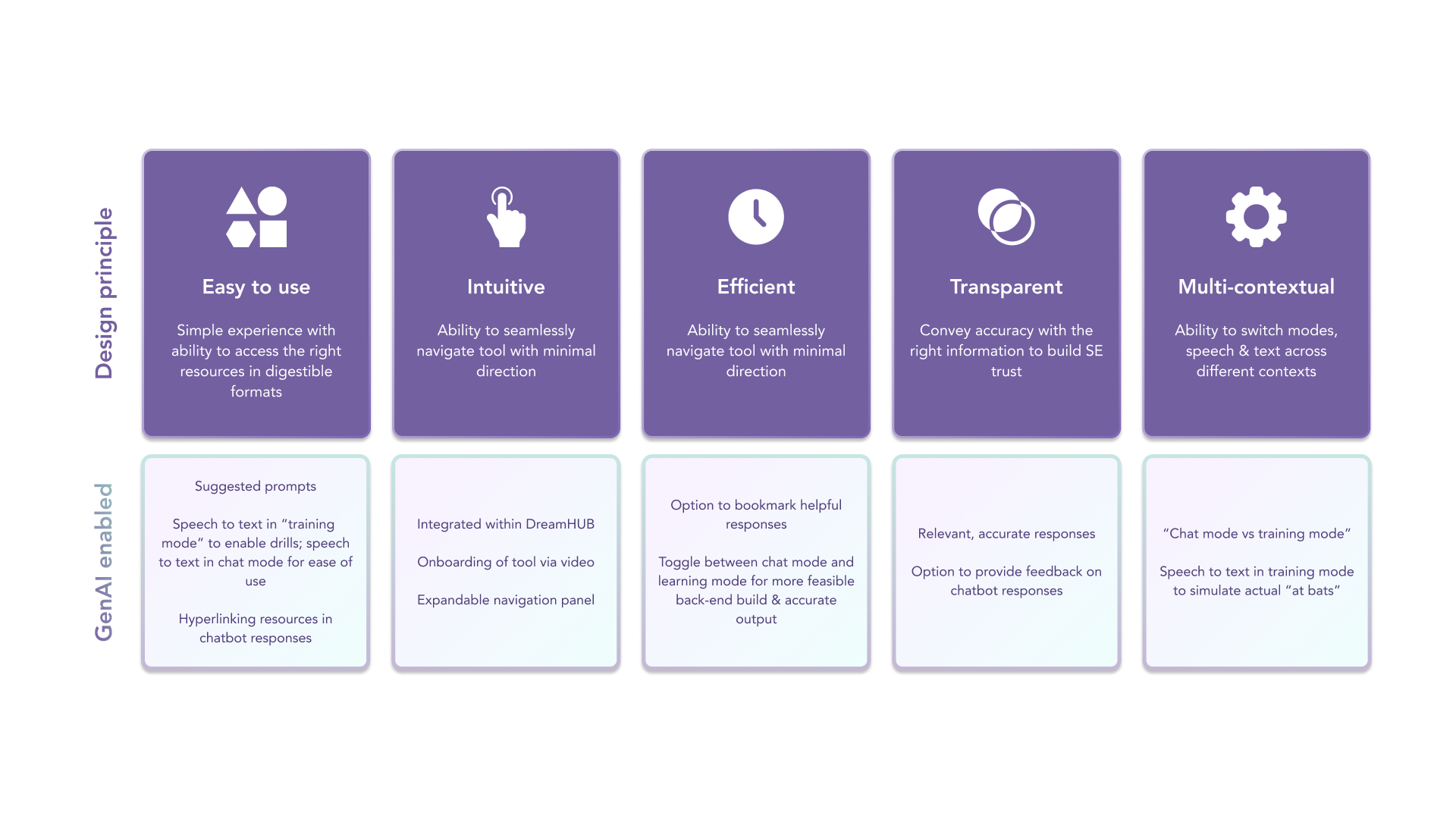
01. Grounding in Gen-AI enabled design principles
At the outset, I established a set of design principles to ensure team alignment on the definition of “good.” These principles acted as a guiding north star as the project evolved.
02. Designing an integrated user interface
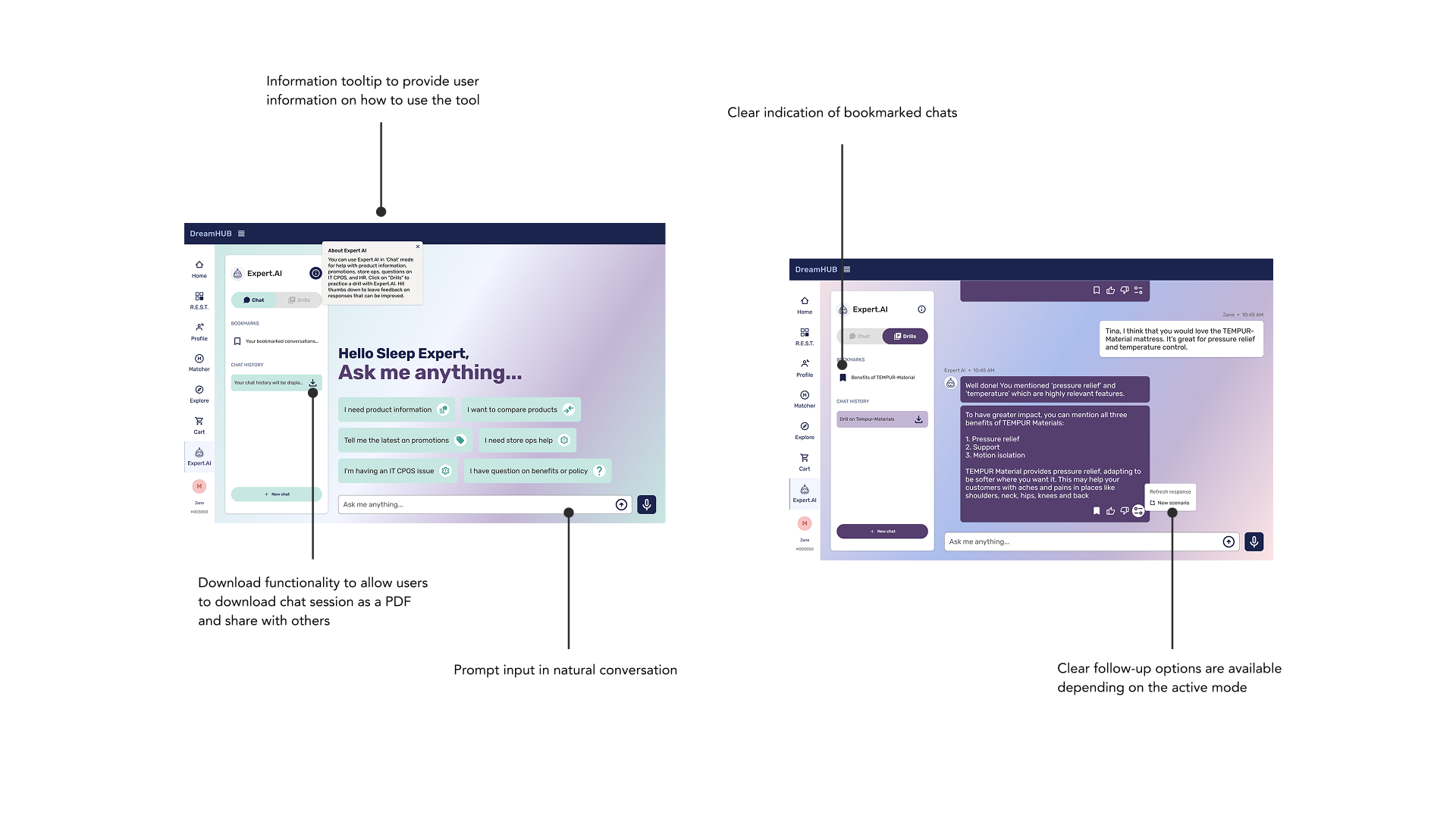
I worked closely with the client to design a user interface that integrated with their existing systems, which had several technical limitations. Despite these challenges, I focused on creating an intuitive design that maximized user experience while working within the constraints. By prioritizing key features and finding creative solutions, I was able to deliver a functional interface that met both the client’s needs and the system requirements.
03. Design challenges & solutions
🚨 DESIGN CHALLENGE
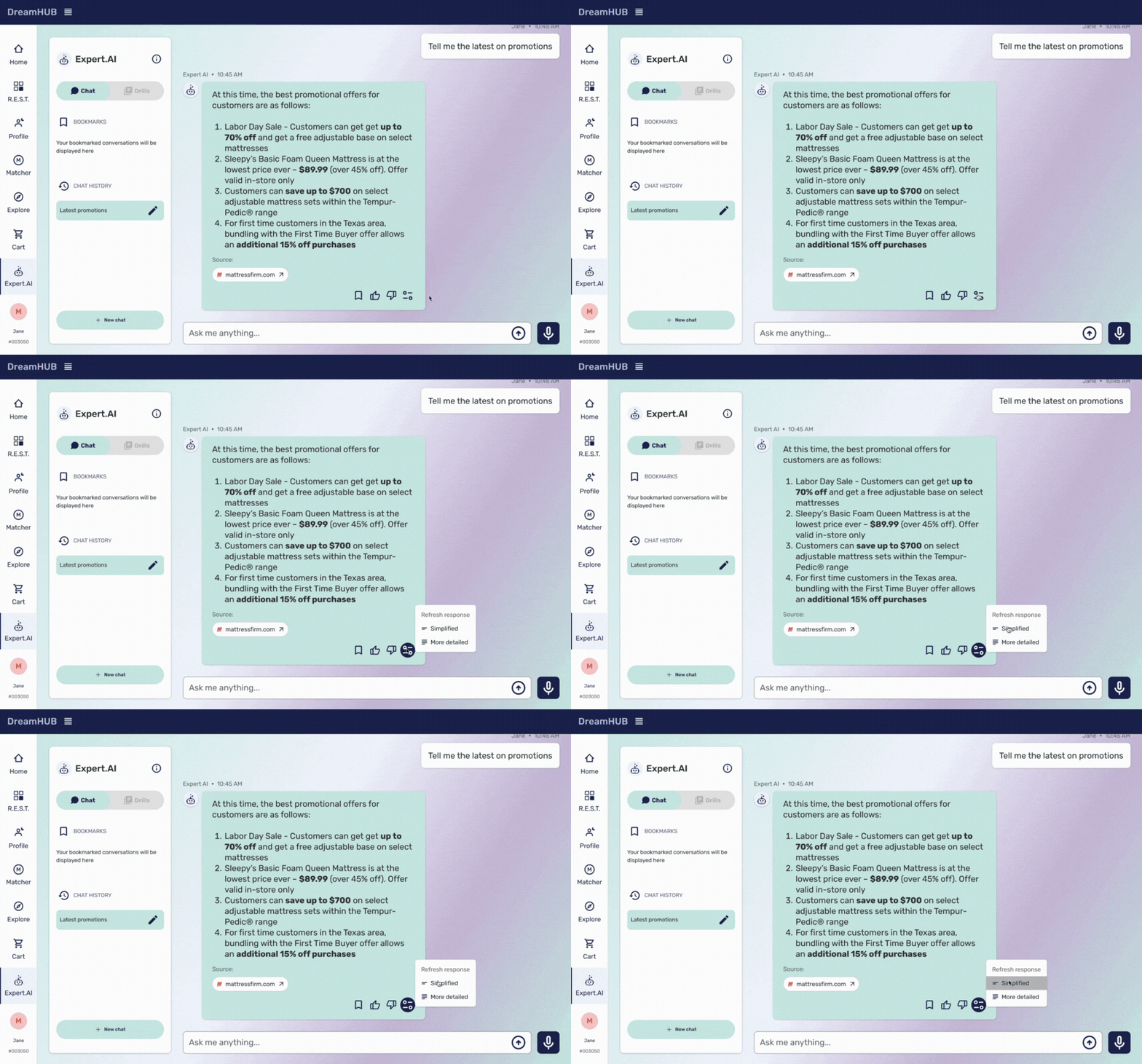
Confusing regeneration functionality
Through testing, we found that the regeneration functionality within the experience was challenging for users to interact with, stating that they didn’t know what it did
💡USER-VALIDATED SOLUTION
Intuitive regeneration functionality that resonated with users
We tested multiple concepts with users through concept cards and found the design solution that consistently resonated with users was one that allowed users to change the structure of the response
04. Implementing a test and learn approach
This 12 week sprint employed a test and learn approach where the goal was to test and integrate Expert AI into the SE workflow, ensuring it enhances accuracy and functionality. Testing included real-world scenarios with clear prompt scenarios and feature checklists to ensure the tool can handle necessary tasks.
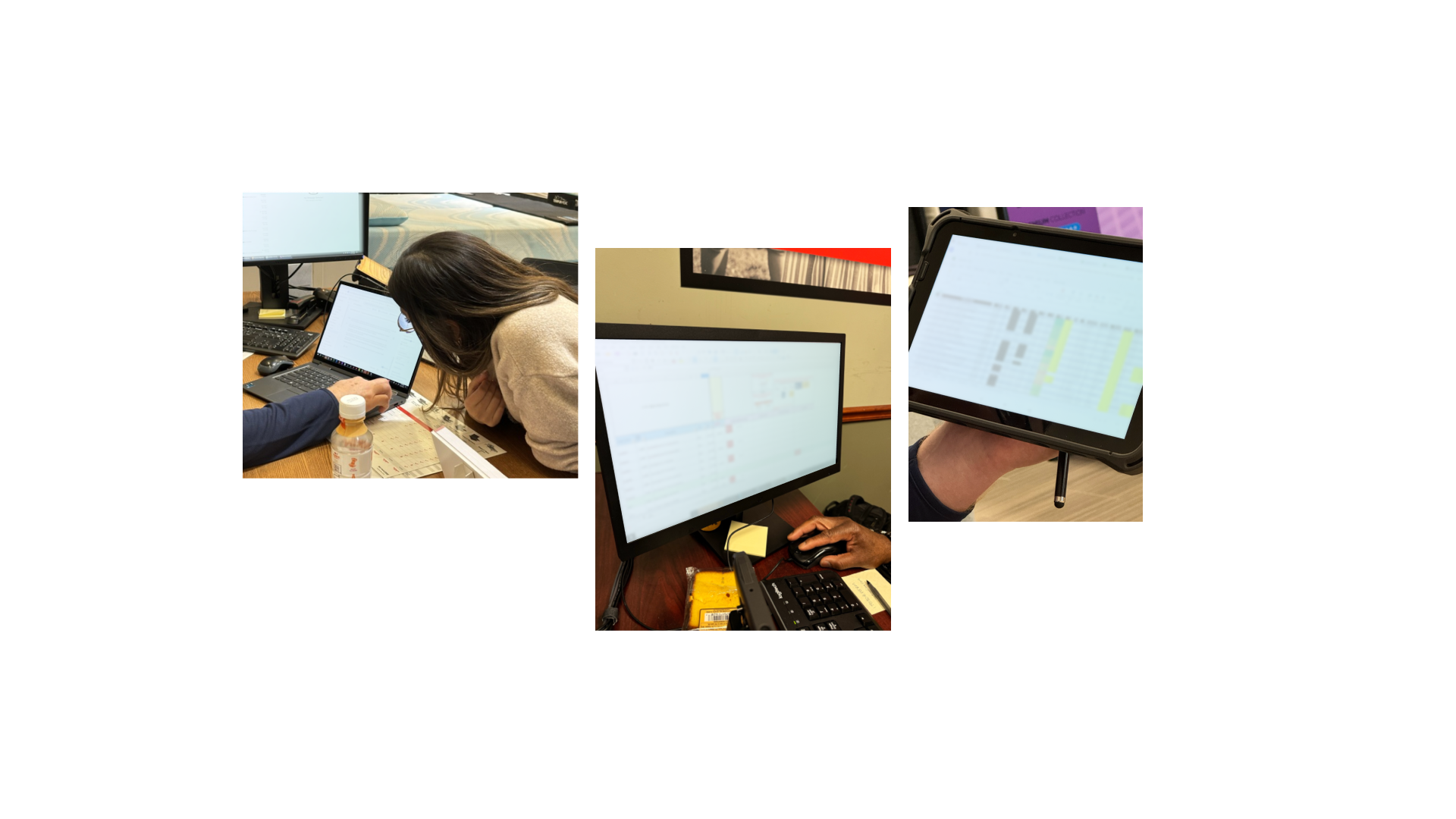
🏬 In-store Immersion
Understand and see sales process, tablet usage, (in customer-facing & non-facing scenarios) to assist with the design & build of Expert AI
🧪 Usability Testing
Understand current state process & most comment questions on daily basis
💾 Beta Testing
Evaluate GenAI responses in a real-world setting, analyze key questions and answers, and enhance the tool's accuracy and user experience
Learnings
🏔️ Build change champions
In-store testing allow us to get live feedback on the tool and build change champions that helped spread awareness to others
💻 Connect with developers early
Establishing relationships with developers on the team early to align on design handoff
📒 Teaching users how to use AI in their workflow
Some of the Users were using AI for the first time and there was some teachings that had to be had to help educate users on the best way to use AI in their workflow